Configuring Custom Guardrails
Learn how to set up custom security guardrails for your AI agents. Guardrails protect your organization by filtering requests and responses according to your policies.
Prerequisites
- An active Uhura account with admin access
- Understanding of your organization's security policies
Estimated time: 10 minutes
Understanding Guardrails
Guardrails are security rules that help protect your AI agent from misuse. They run automatically on every message to detect and prevent potentially harmful requests or responses.
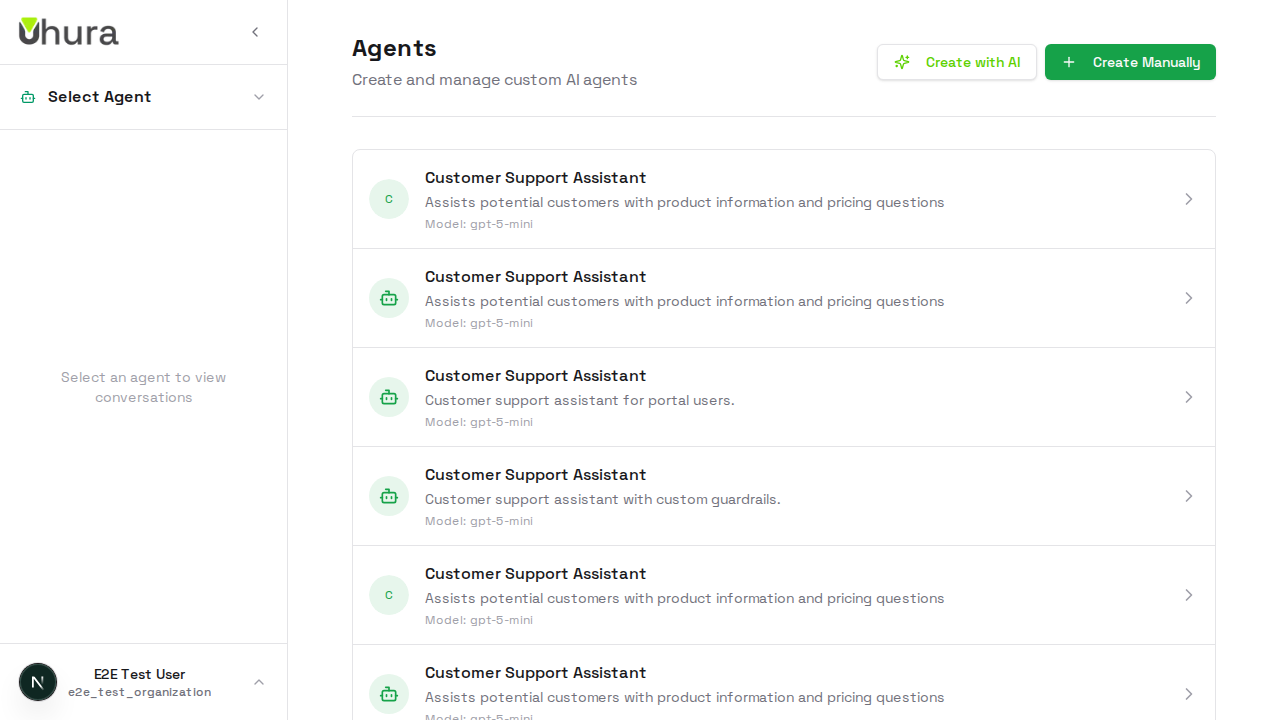
Uhura includes built-in system guardrails, but you can add custom rules specific to your organization's needs.
Create a New Agent
Navigate to Settings > Agents and create a new agent. Guardrails are configured after the agent is created, in the agent settings.
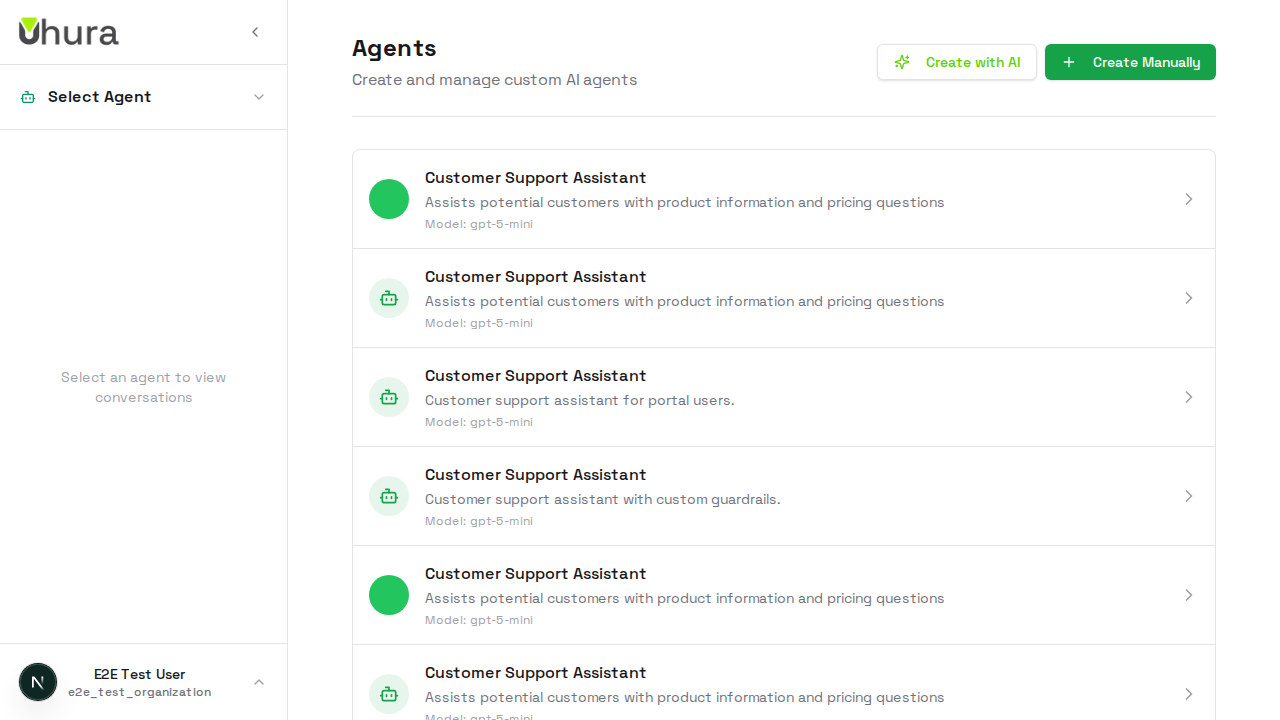
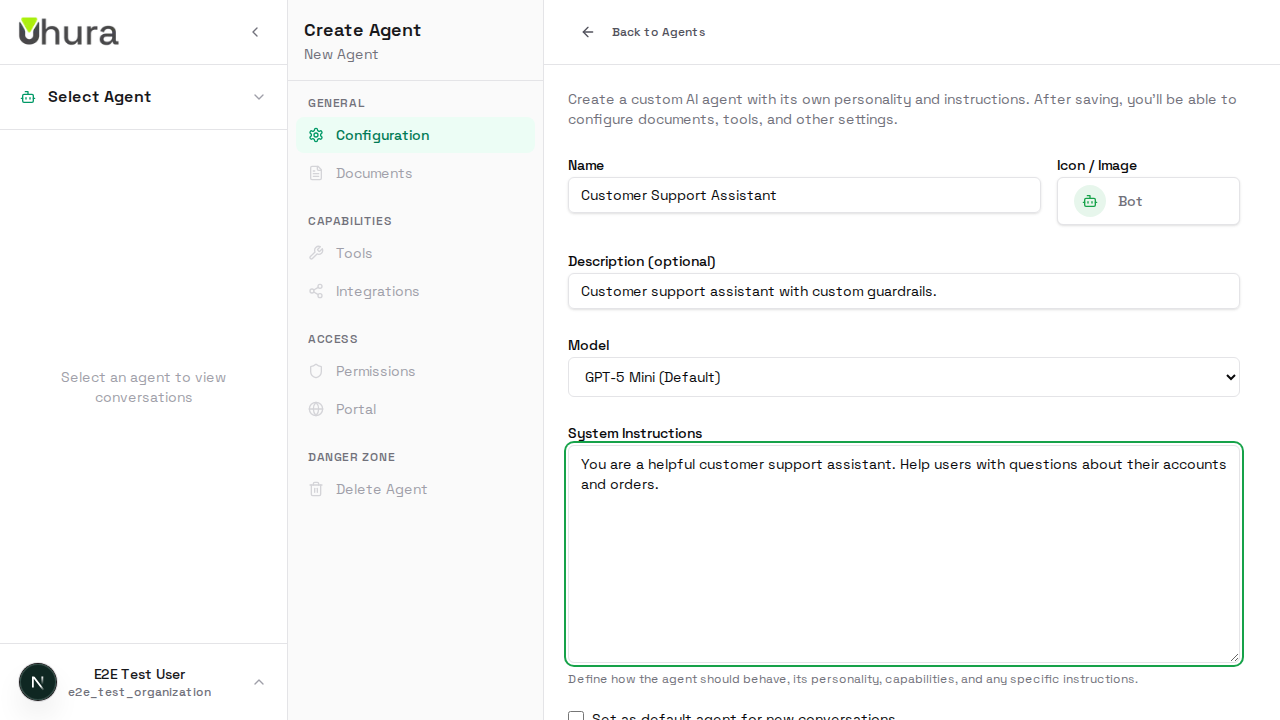
Enter Basic Agent Details
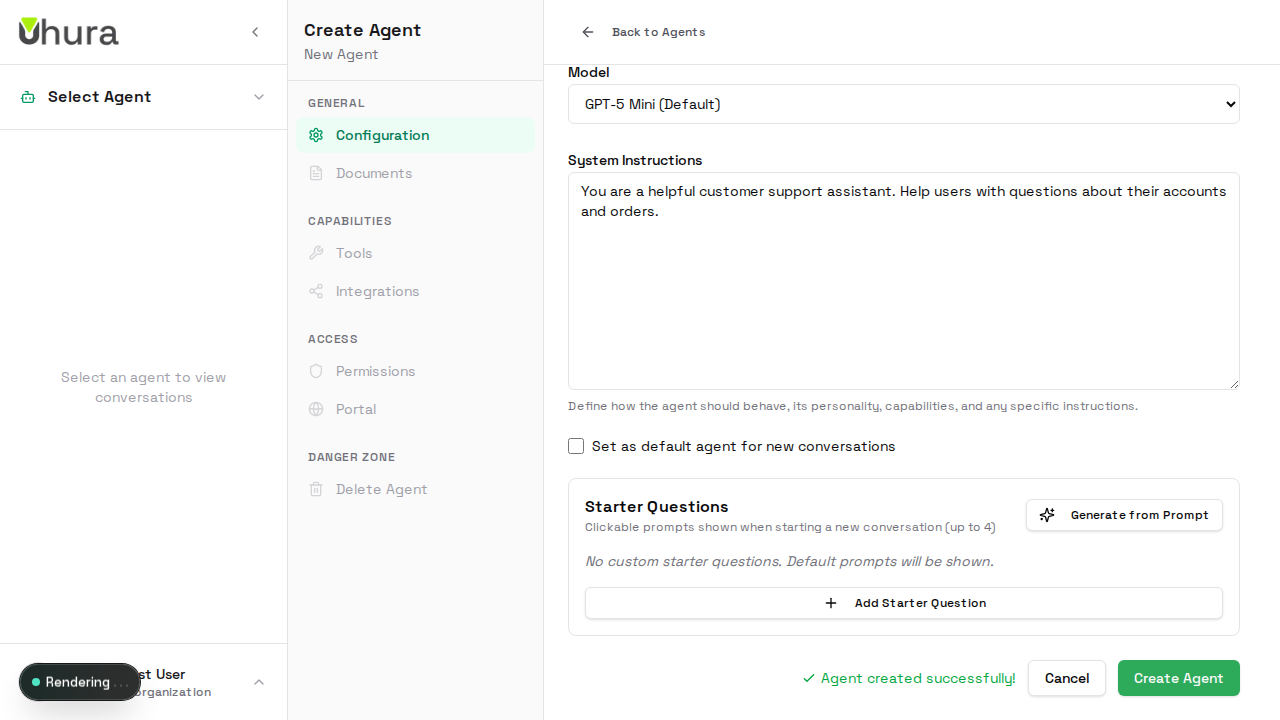
Fill in the basic agent information. For this example, we're creating a customer support agent that needs specific guardrails to protect customer data.
Save the Agent
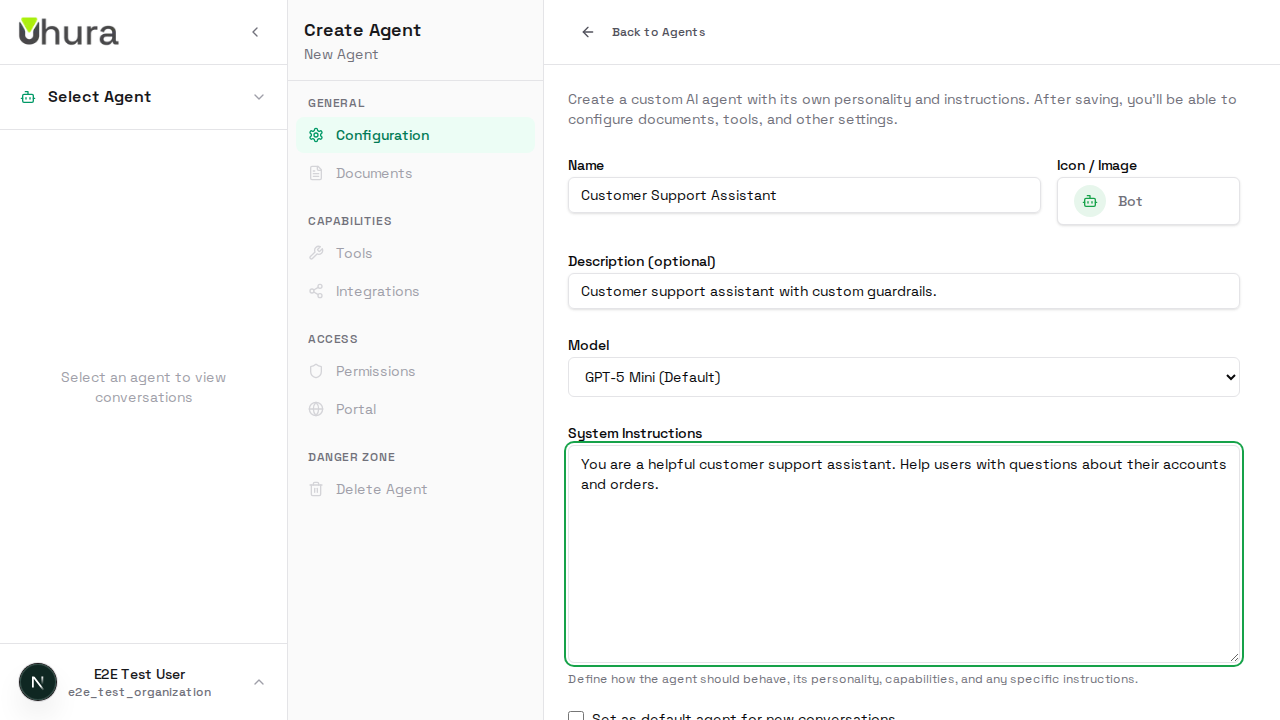
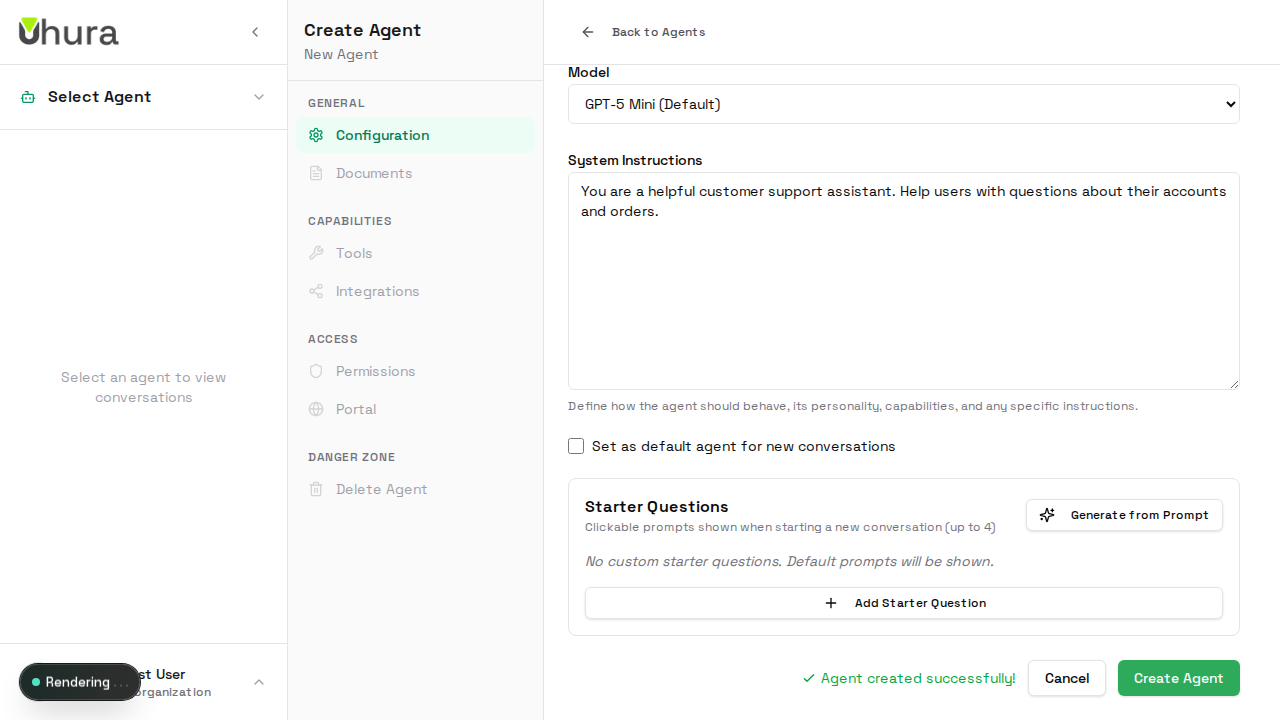
Click "Create Agent" to save your new agent. Once created, you can access additional settings including guardrails.
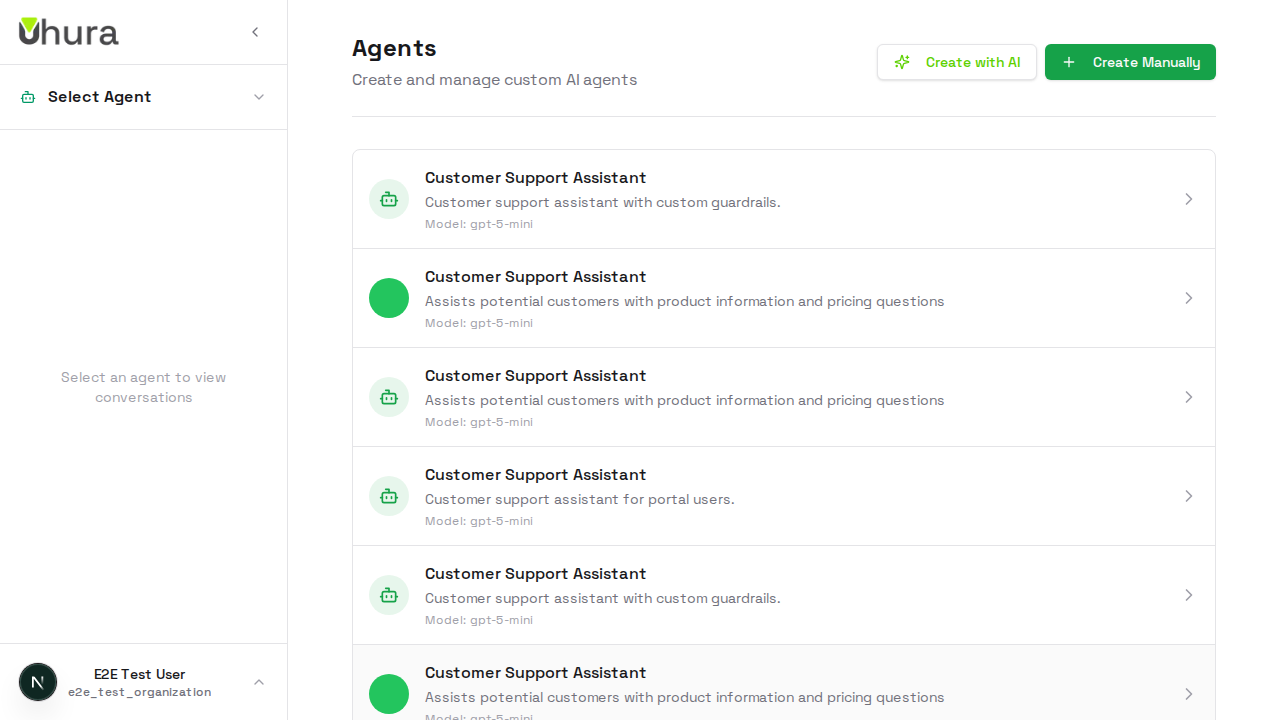
Expected result: The agent is created and you are redirected to the agent edit page.
Navigate to Guardrails Section
In the agent settings sidebar, click on "Guardrails" under the Access section. This is where you configure custom security rules for this agent.
Guardrails Configuration Panel
The Guardrails section shows your current guardrail settings. You can configure Pre-Execution guardrails (run before AI processing) and Post-Execution guardrails (run after AI generates a response).
Pre-execution guardrails block or flag incoming requests. Post-execution guardrails filter or redact responses before they reach the user.
Guardrails in Action
When a user sends a message, the guardrails automatically evaluate it. If a pre-execution rule triggers, the request may be blocked or flagged. Post-execution rules filter the AI's response before the user sees it.
Check your audit logs to see guardrail activity and identify patterns that might need new rules.