Creating a New Uhura Account
Learn how to create a new Uhura account. This guide covers both social authentication (Google) and traditional email/password registration methods.
Prerequisites
- A valid email address
- A web browser
Estimated time: 2 minutes
Access the Sign Up Page
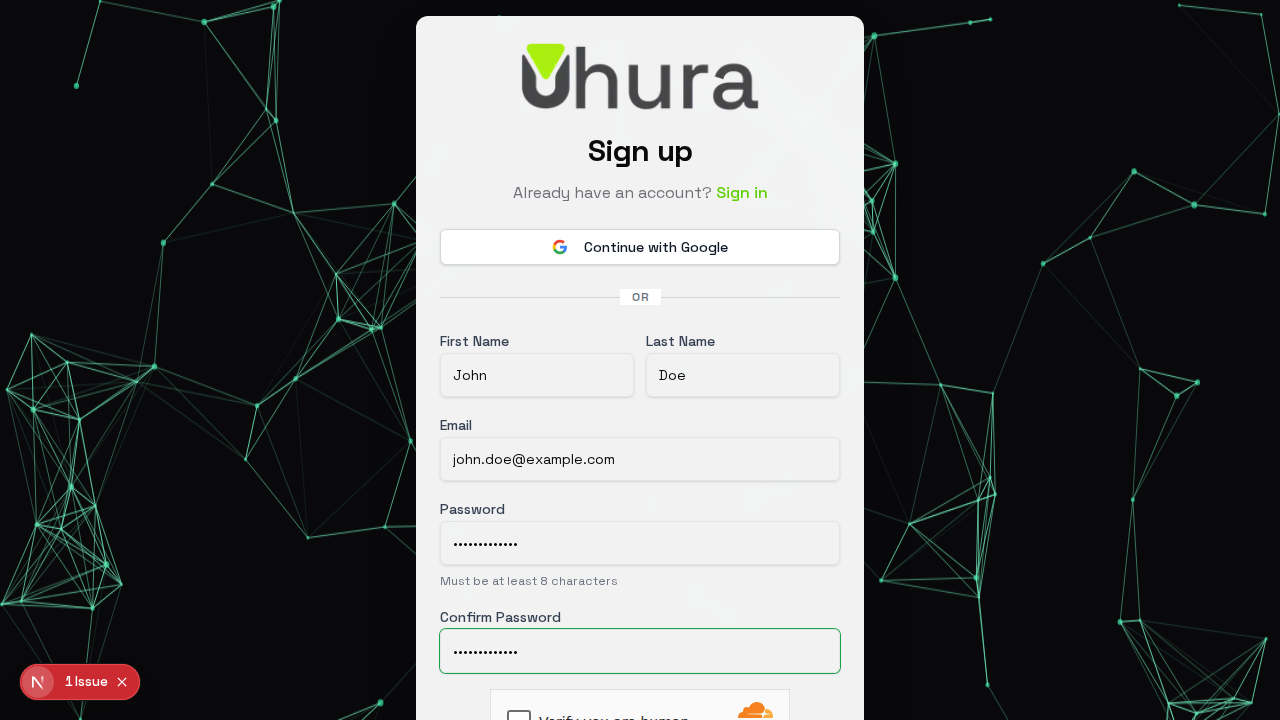
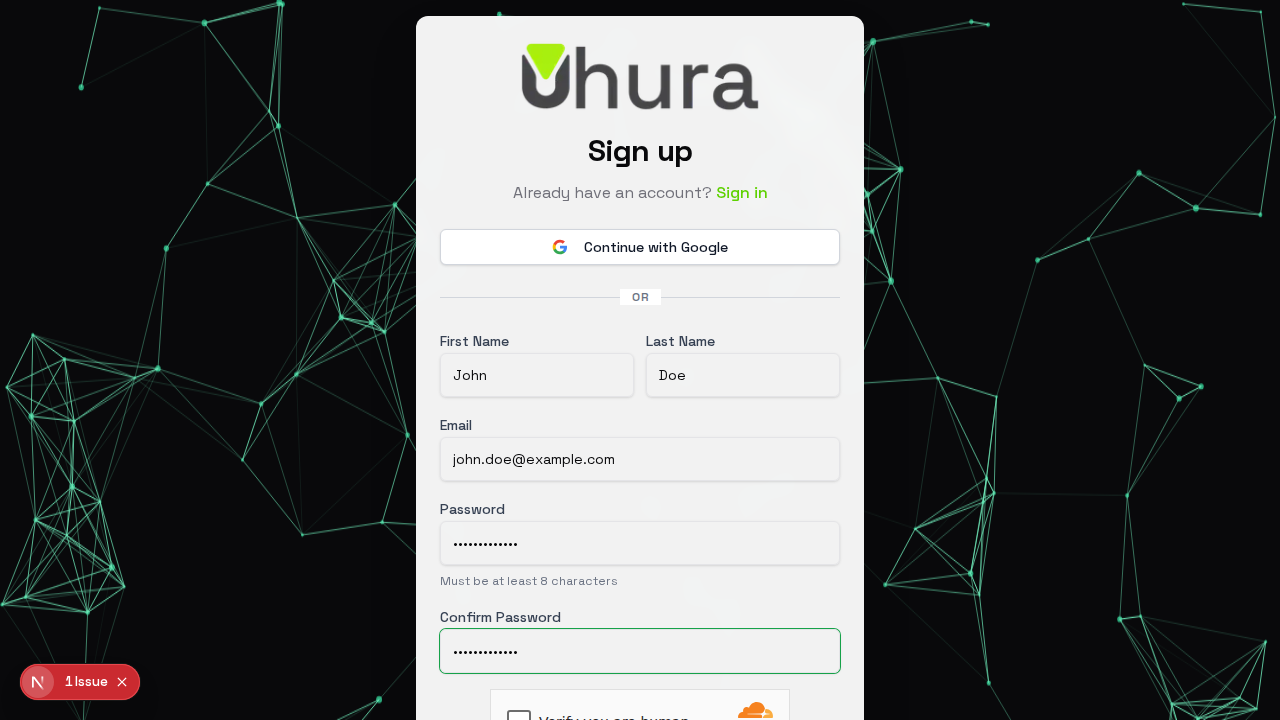
Navigate to the Uhura sign up page at client.uhura.online/signup. You will see the registration form where you can create a new account using your email or through social authentication.
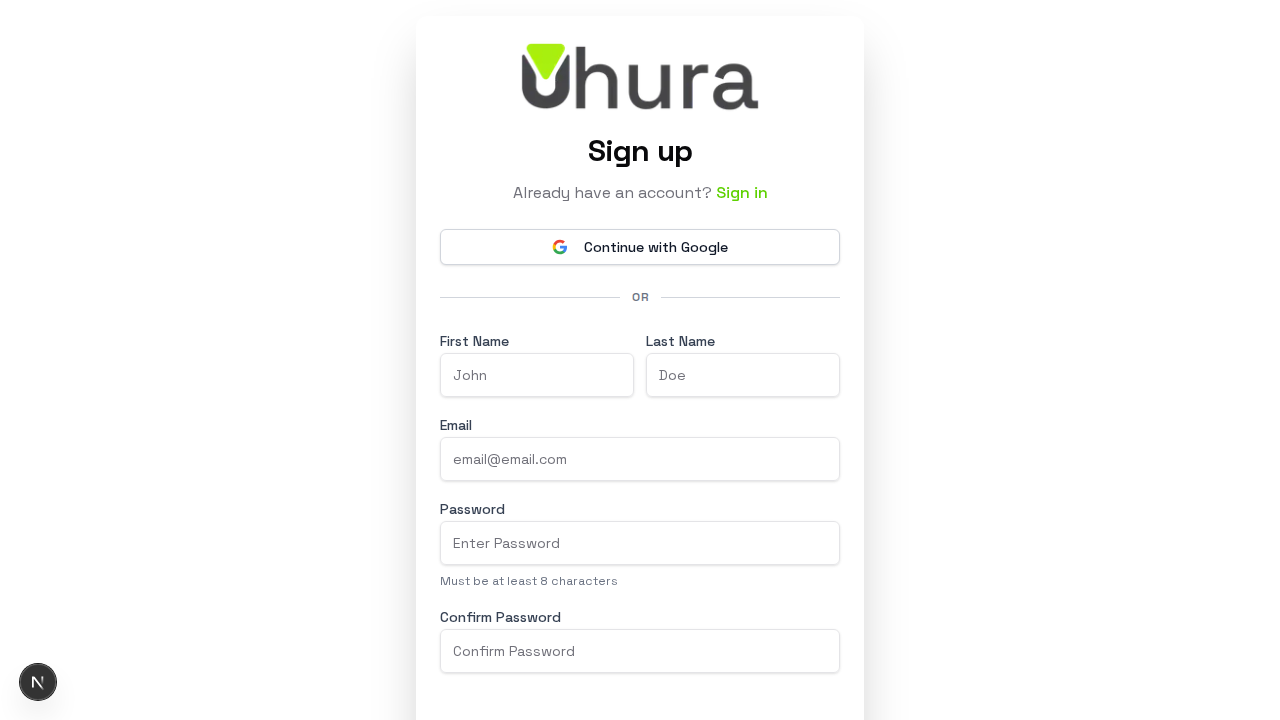
You can also access this page by clicking "Sign up" from the login page.
Sign Up with Google (Recommended)
The fastest way to create an account is by clicking "Continue with Google". This uses your existing Google account and automatically verifies your email address.
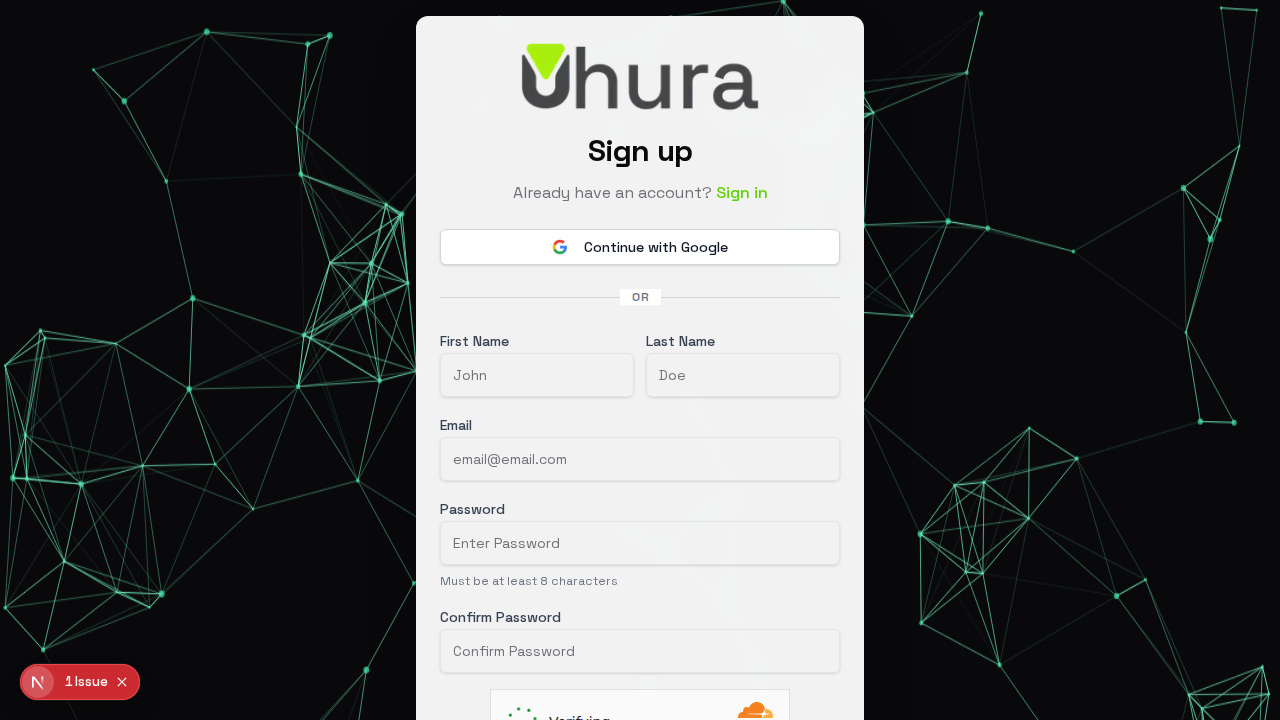
Using Google sign-up means you won't need to remember another password, and your account is automatically secured with Google's authentication.
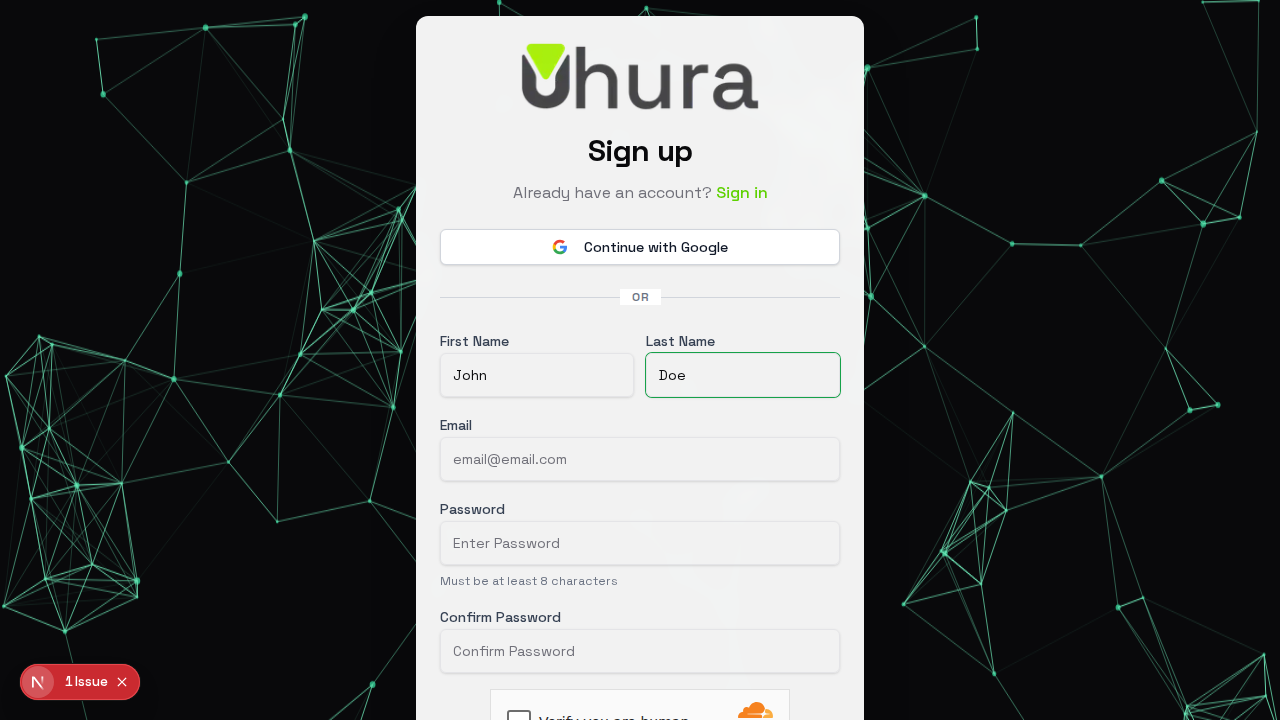
Enter Your First Name
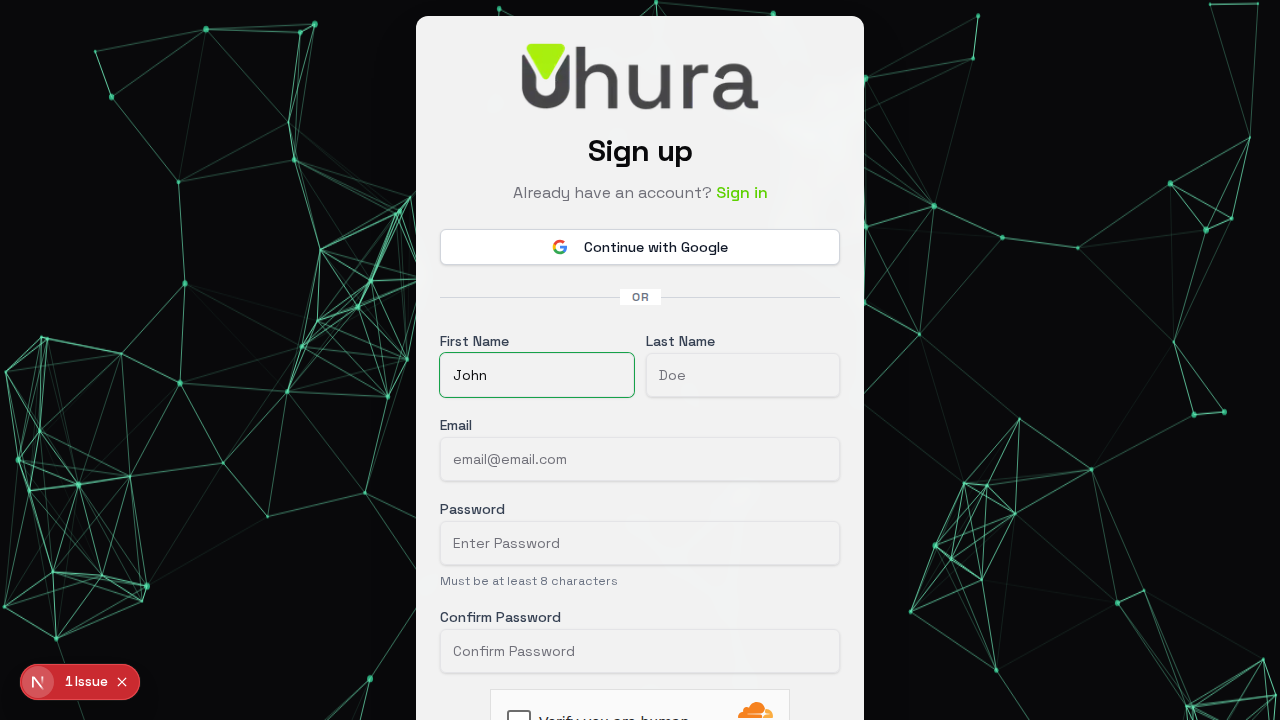
If you prefer to sign up with email, start by entering your first name. This will be displayed in your profile and used when communicating with team members.
Enter Your Last Name
Enter your last name. This helps identify you when working with team members.
Enter Your Email Address
Provide a valid email address that you have access to. A confirmation email will be sent to this address to verify your account.
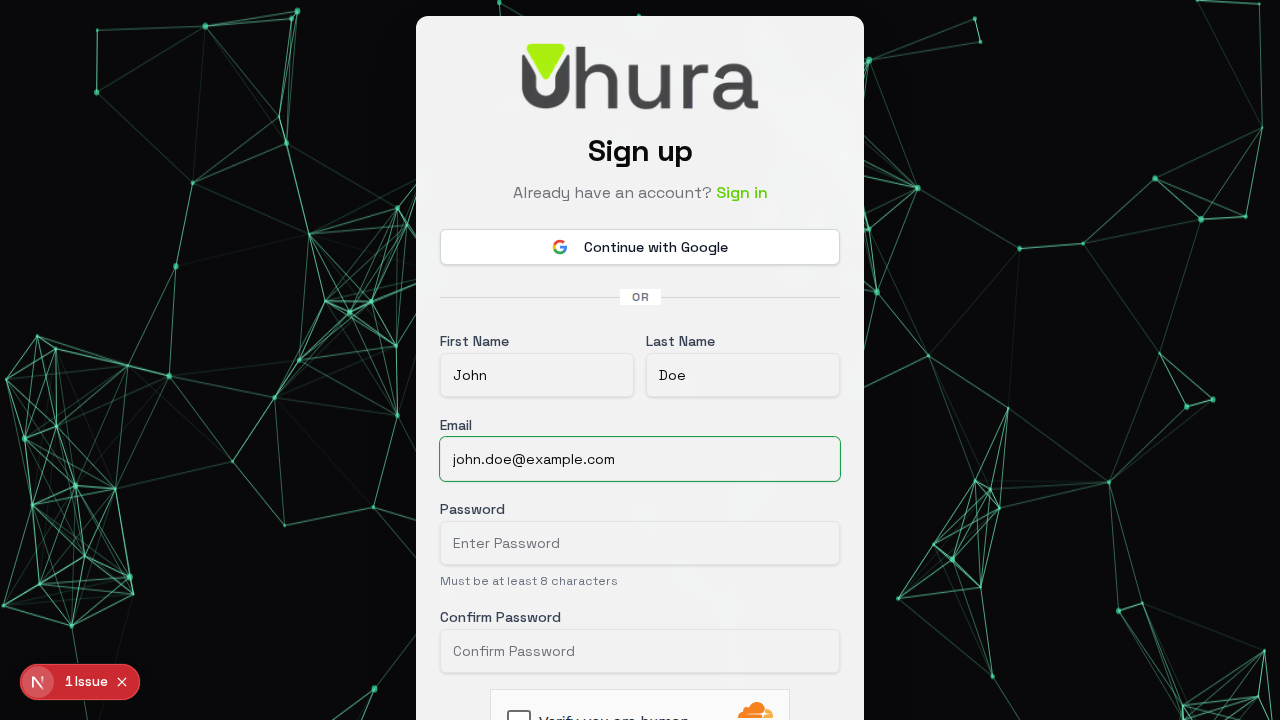
Make sure to use an email address you have access to, as you will need to confirm it before logging in.
Create a Strong Password
Choose a secure password with at least 8 characters. A strong password includes a mix of uppercase and lowercase letters, numbers, and special characters.
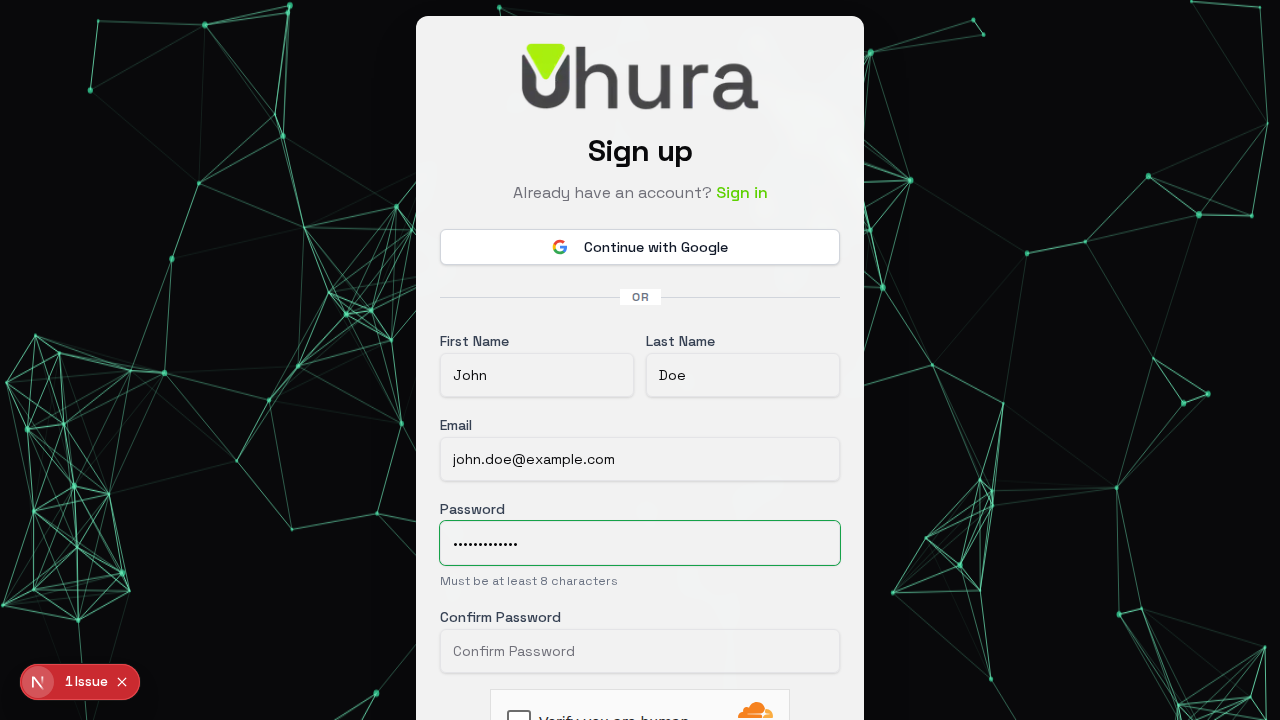
Consider using a password manager to generate and store a unique, strong password for your Uhura account.
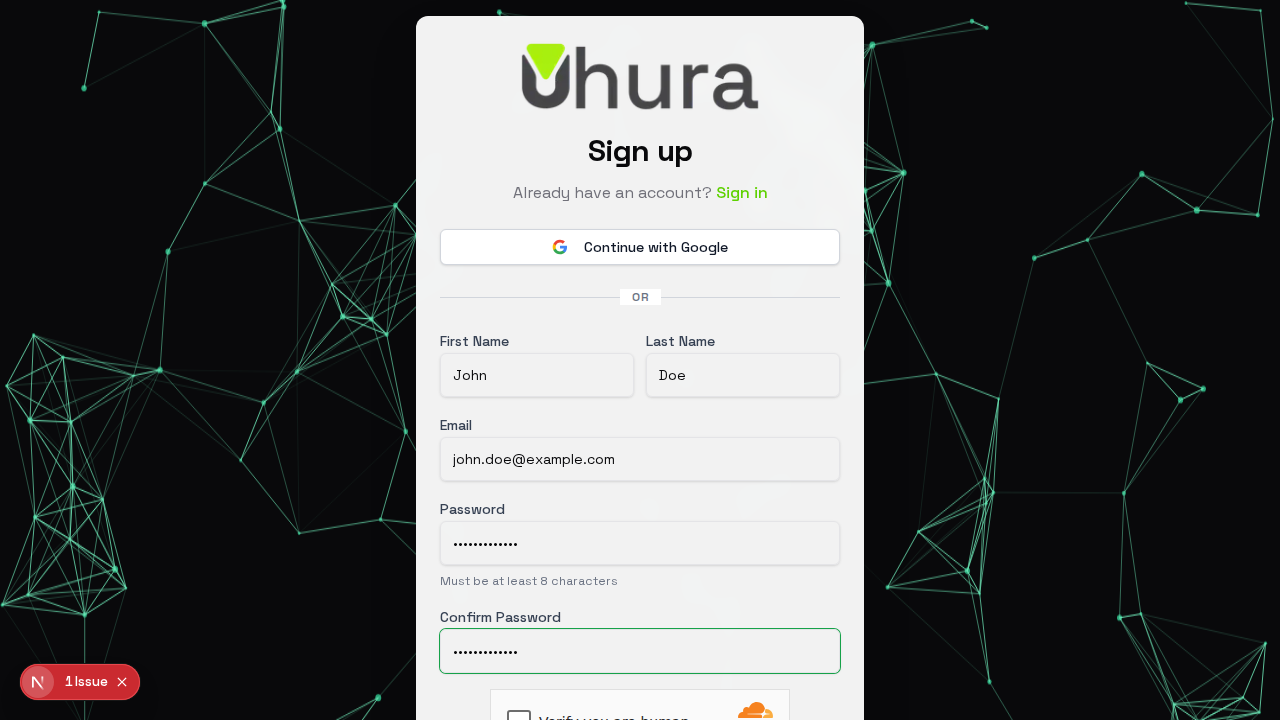
Confirm Your Password
Re-enter your password to confirm it. This ensures you typed it correctly and helps prevent lockouts due to typos.
Complete Registration
Click the "Sign Up" button to create your account. You will receive a confirmation email with a link to verify your email address.
Expected result: A confirmation message will appear asking you to check your email. Click the verification link in the email to activate your account.
Already Have an Account?
If you already have an Uhura account, click the "Sign in" link to go to the login page instead.