Logging In to Uhura
Learn how to access your Uhura account. This guide covers both social authentication (Google) and traditional email/password login methods.
Prerequisites
- An existing Uhura account
- A web browser
Estimated time: 1 minute
Access the Login Page
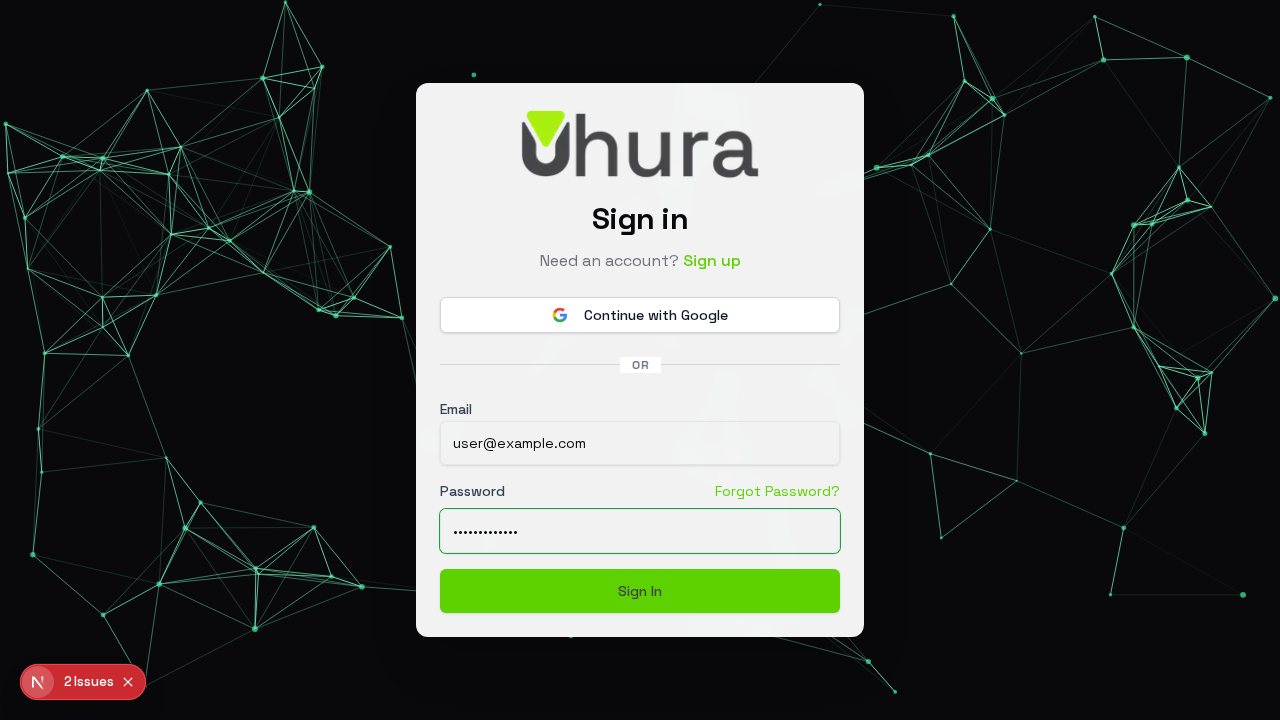
Navigate to the Uhura login page at client.uhura.online/login. You will see the sign-in form with options to log in using your email and password or through social authentication providers.
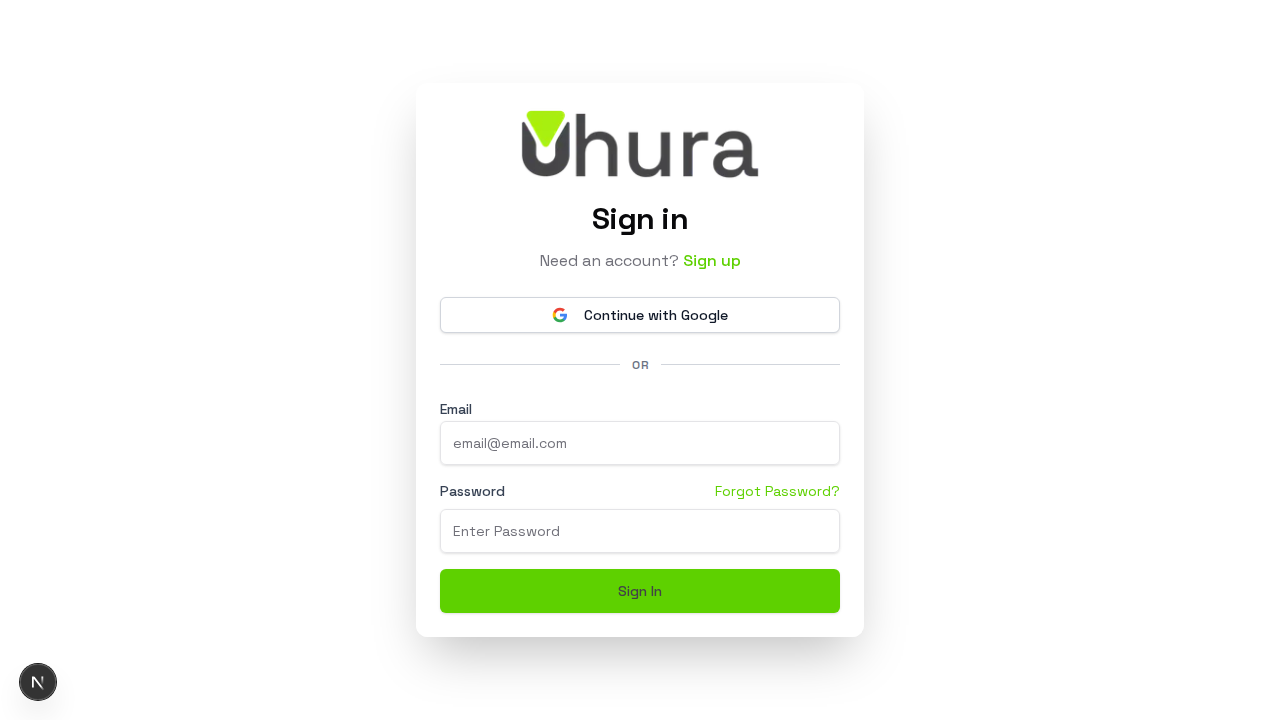
Bookmark this page for quick access to your Uhura account.
Sign In with Google (Optional)
For the fastest login experience, click the "Continue with Google" button to authenticate using your Google account. This is recommended if your organization uses Google Workspace.
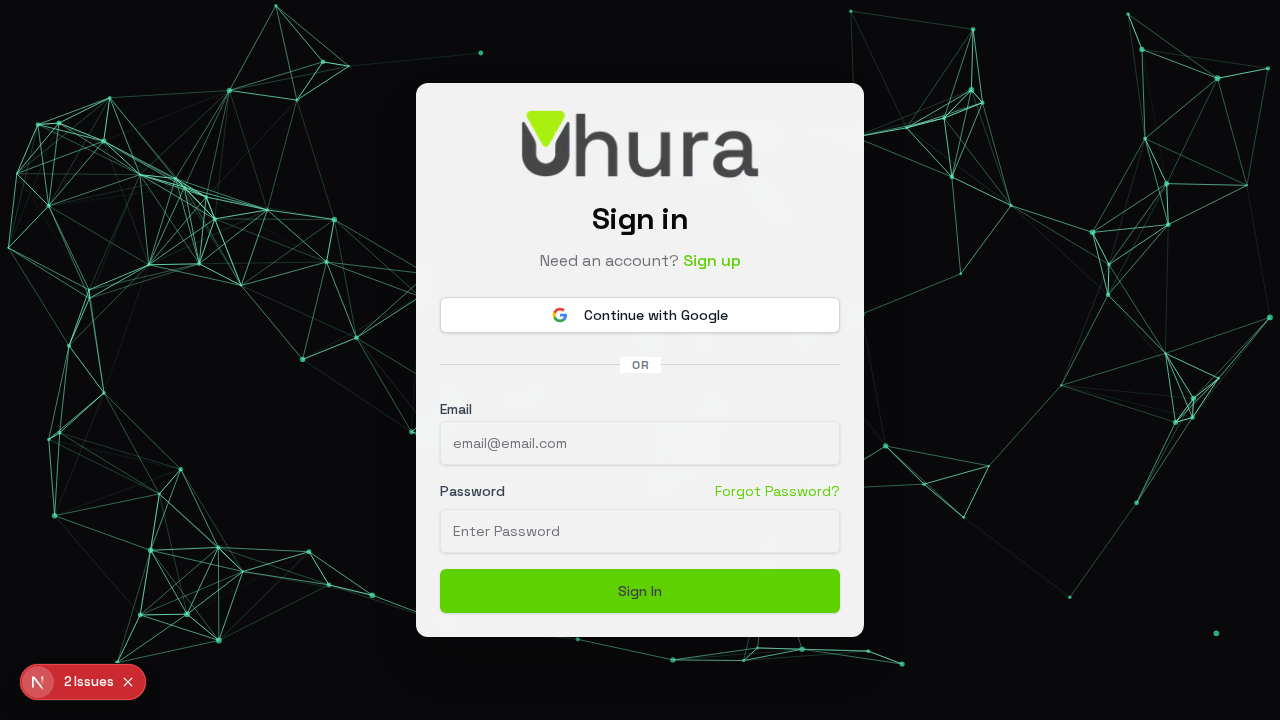
Social login is faster and more secure than password-based authentication. No need to remember another password!
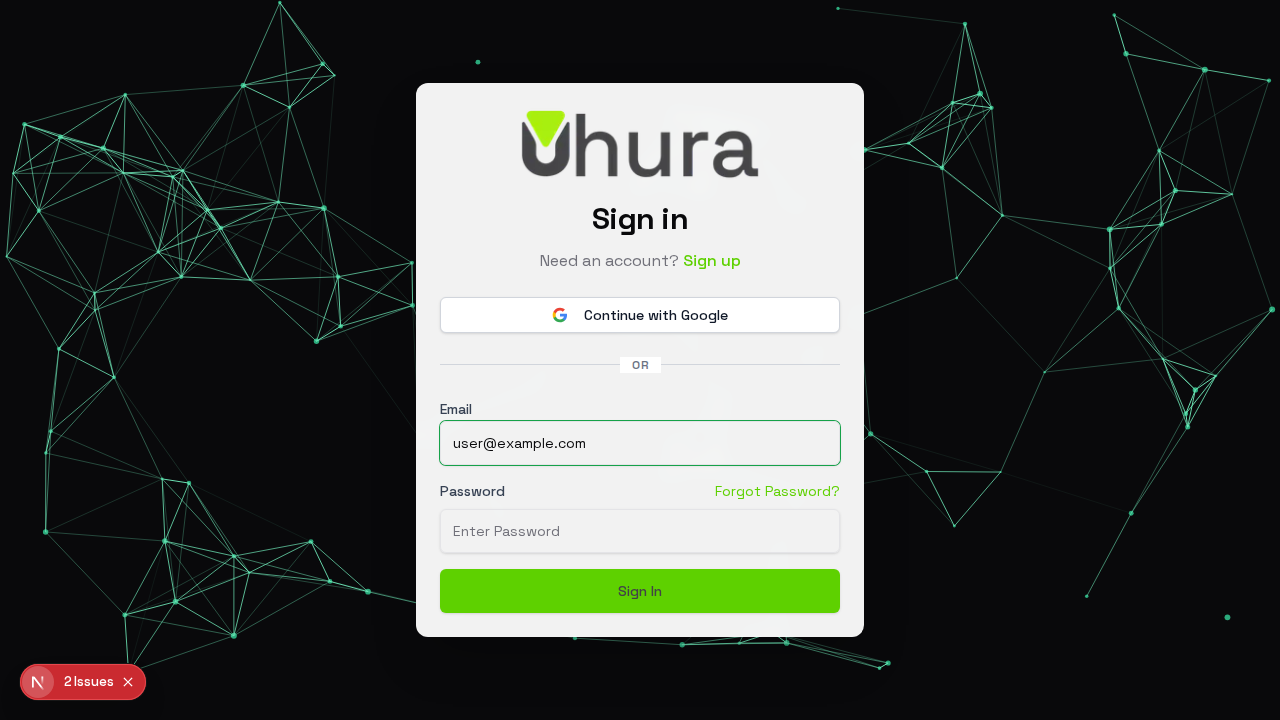
Enter Your Email
In the Email field, enter the email address associated with your Uhura account. This should be the email you used when signing up or the email your organization administrator provided.
Enter Your Password
Enter your account password in the Password field. Make sure to type it correctly as passwords are case-sensitive.
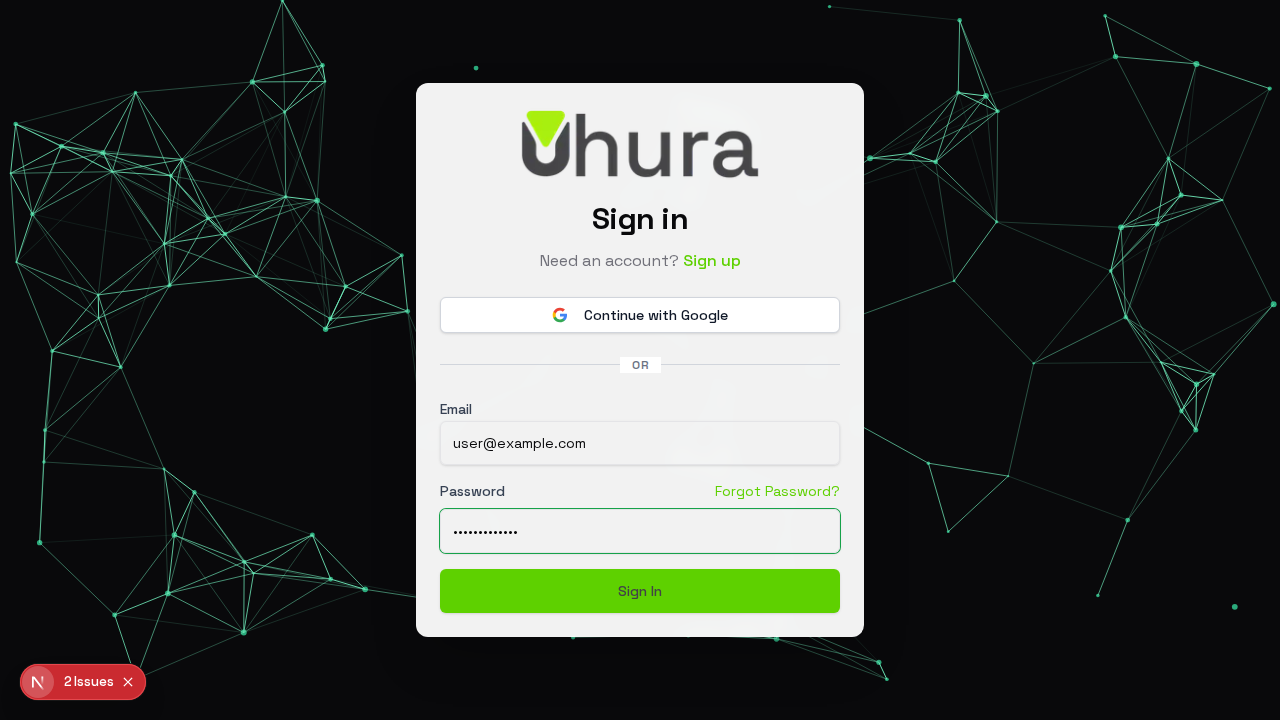
If you've forgotten your password, click the "Forgot Password?" link to reset it.
Click Sign In
Once you've entered your credentials, click the "Sign In" button to access your account. You will be redirected to your dashboard upon successful authentication.
Expected result: After clicking Sign In, you will be logged into your Uhura account and redirected to the chat dashboard.
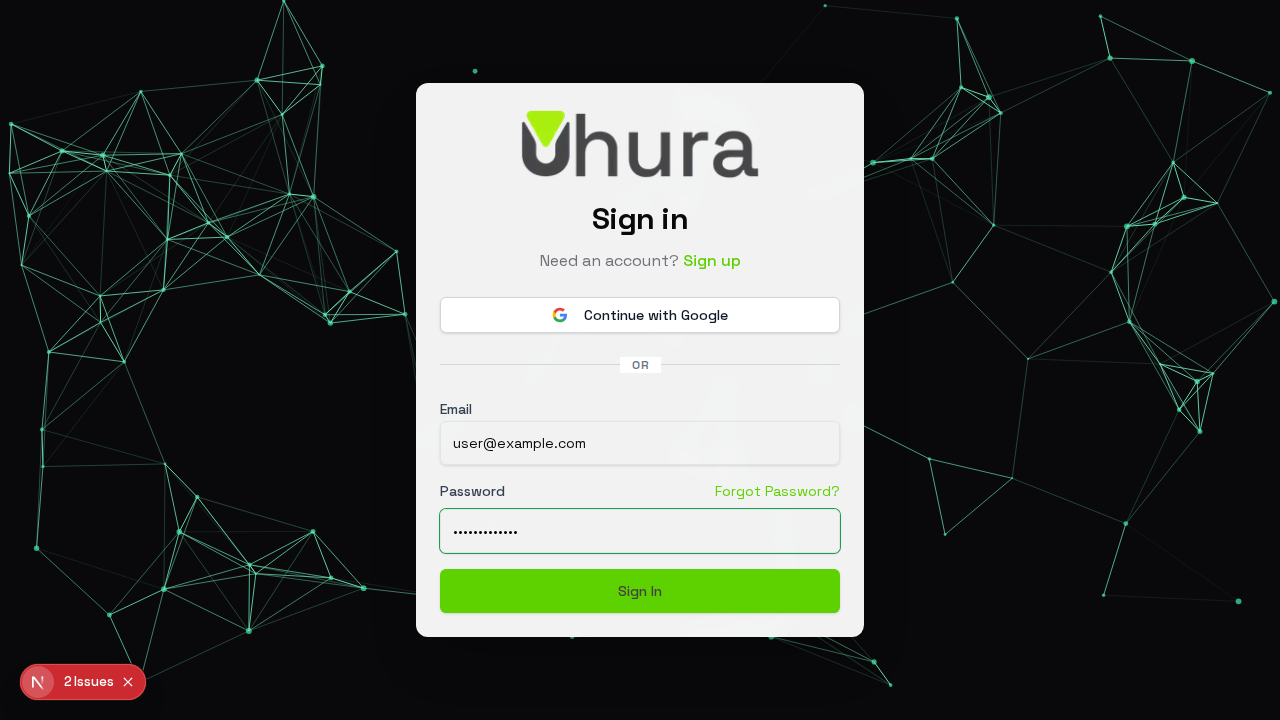
Need an Account? Sign Up
If you don't have an Uhura account yet, click the "Sign up" link below the sign-in header to create a new account.