Editing Agent Settings
Learn how to modify existing agent configurations. You can update any setting at any time to refine your agent's behavior.
Prerequisites
- An existing agent (see "Creating a New AI Agent")
Estimated time: 5 minutes
1
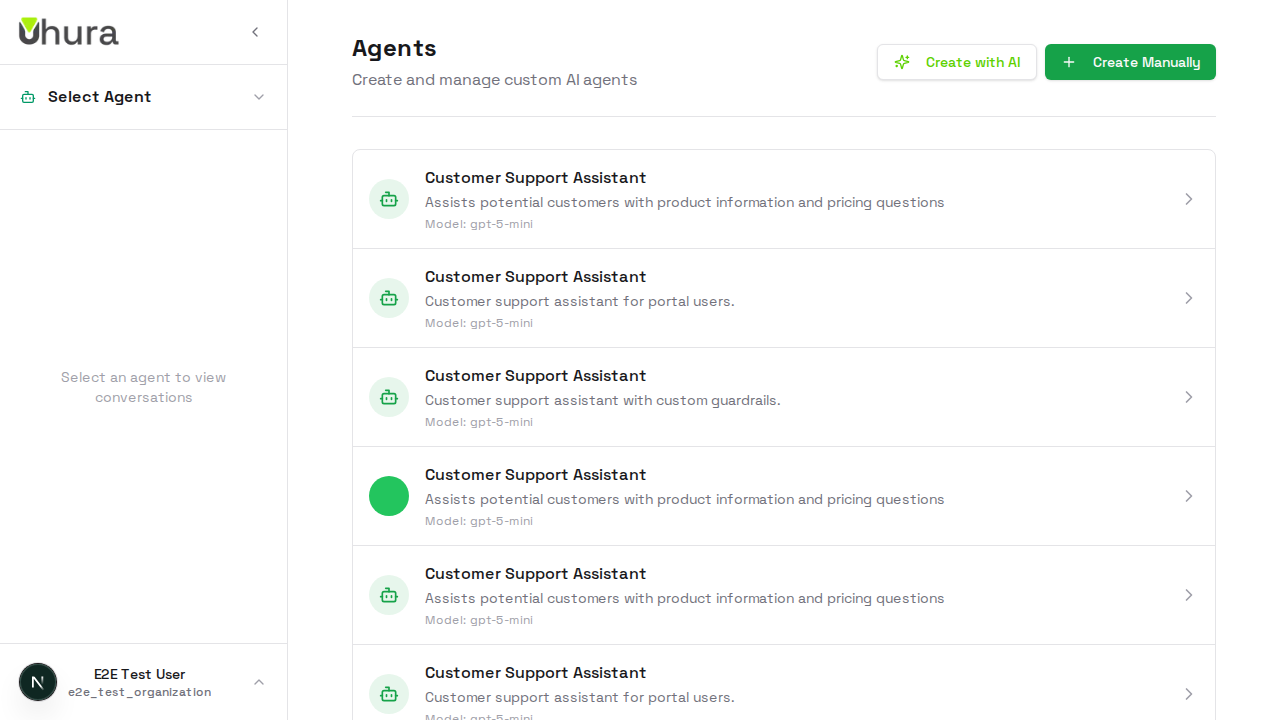
Access the Agents List
Navigate to Settings > Agents to see all your agents. From here you can manage, edit, or delete agents.
2
Select an Agent to Edit
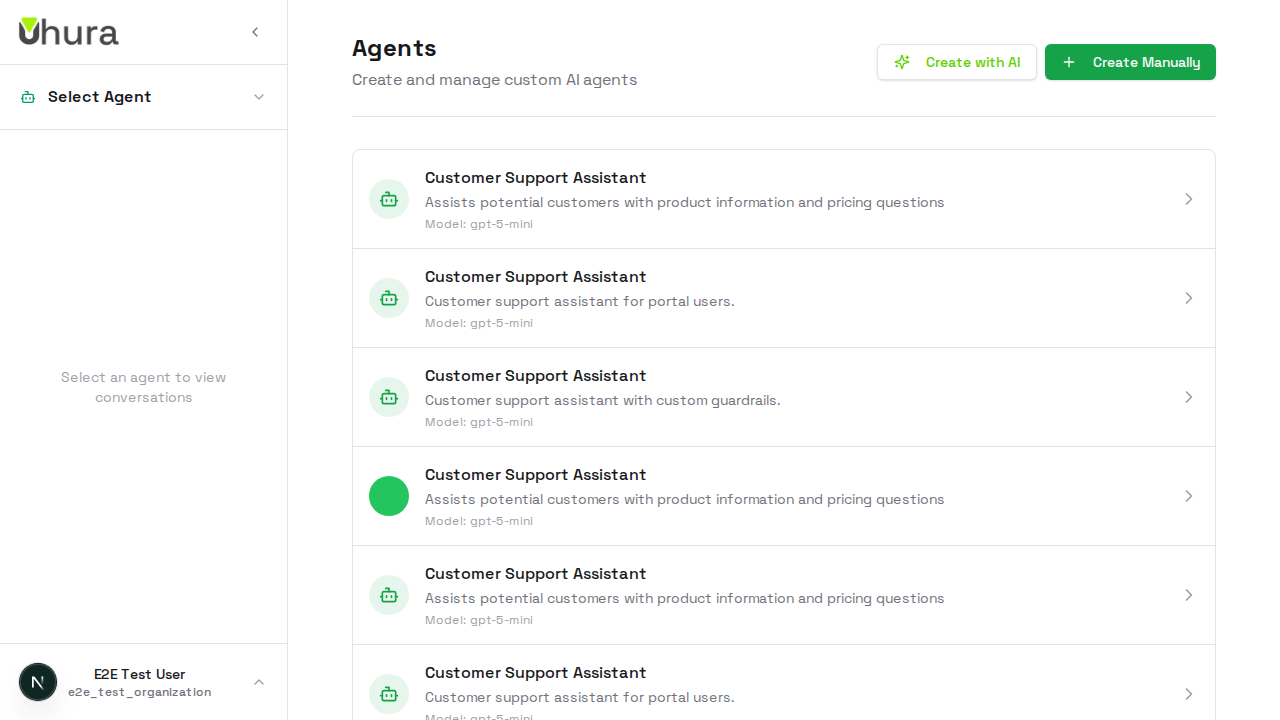
Click on an agent name to open its configuration page. You can modify any setting and save your changes.
Tip:
Changes to system instructions take effect immediately for new conversations.
3
Update Agent Settings
Make changes to any field. You can update the name, description, system instructions, model settings, or any other configuration.
4
Save Changes
After making updates, click "Save Changes" to apply your modifications. The agent will use the new settings immediately.
Tip:
Test your changes by starting a new conversation with the agent.